
Quick start guide for installing and configuring the H3C SYSMSG360-20 multiservice gateway.
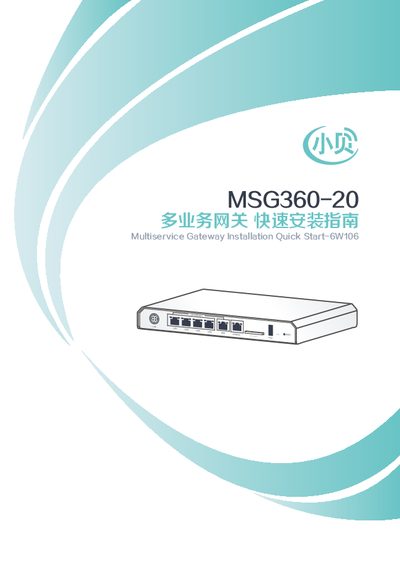
This guide provides step‑by‑step instructions for connecting the H3C SYSMSG360-20 multiservice gateway to a network, powering the device, and selecting the appropriate Internet connection method. It also covers basic local login via a PC or wireless terminal.
After the gateway is online, the guide explains how to download and install the Oasis manager app, and how to log in to the Oasis platform for remote site management. This manual is written in Chinese.
| Default IP address | 192.168.0.100 |
|---|---|
| Default password | admin |
| Supported mobile OS for Oasis app | Android 4.0 or higher, iOS 7.0 or higher |
Connect the power adapter, then attach the WAN port to the uplink network and connect a LAN port to the AP directly or via an SPM.