
This user manual for the H3C D22WA monitor provides instructions on installation, OSD menu operation, and includes RoHS compliance information.
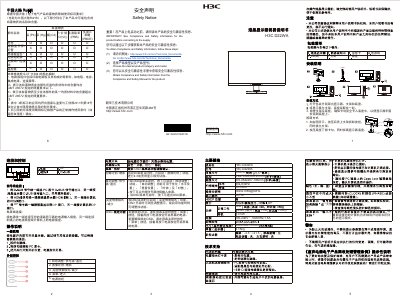
The H3C D22WA is a 21.5-inch LCD monitor featuring a resolution of 1920x1080 and a refresh rate of 60Hz. It supports input signals via DP and VGA ports and operates on a power supply of 100-240V. The device includes a detachable stand and base for flexible mounting options.
This document serves as a user guide, detailing the installation process, including unpacking and connecting the power and video cables. It also explains how to operate the On-Screen Display (OSD) menu for adjusting settings such as brightness, contrast, and image mode, as well as how to lock the OSD menu. This manual is written in Chinese.
| Resolution | 1920x1080 |
|---|---|
| Refresh Rate | 60Hz |
| Power Input | 100-240V |
| Power Consumption | 25W |
| Weight | 3.15kg |
| Dimensions | 490x368x195mm |
The manual lists Lead (Pb), Mercury (Hg), Cadmium (Cd), Hexavalent Chromium (Cr(VI)), Polybrominated Biphenyls (PBB), and Polybrominated Diphenyl Ethers (PBDE).
To lock the OSD, press the 'Menu' button while the screen is off, then press the power button to turn the screen on.
You can obtain the safety and compliance information by visiting the website http://www.h3c.com/cn/Technical_Documents.