
H3C C3141 Smart Camera User Manual: package contents, installation, Micro SD card, APP download, device networking, reset, and 1-year warranty.
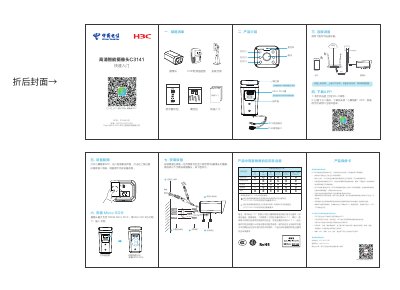
This is the user manual for the H3C C3141 Smart Camera. It lists the package contents (camera, mounting bracket, PoE power adapter, waterproof kit, screw pack, quick start guide), introduces the product, and explains how to connect the device, insert a Micro SD card (up to 128GB), and mount the camera on a wall.
It also covers downloading the 小翼管家 APP, device networking over Wi-Fi, power-on behavior (startup complete about 45 seconds after powering on), resetting the device by holding the reset key for 5 seconds, and the 1-year host warranty service terms. This manual is written in Chinese.
| Max Micro SD card capacity | 128GB |
|---|---|
| Startup time after power on | About 45 seconds |
| Host warranty period | 1 year |
| Power adapter | PoE power adapter |
| Network interface | PoE network interface |
| Audio interface | RCA audio interface |
About 45 seconds after power on, the device finishes starting up and waits for network configuration.
Press and hold the reset key for 5 seconds to restore the device to factory defaults.
The camera supports up to 128GB Micro SD card for local storage.
The main unit comes with a 1-year warranty service from the date of sale.