
This guide provides quick setup instructions, safety information, and specifications for the GW INSTEK GDS-1000A-U Series Digital Storage Oscilloscopes.
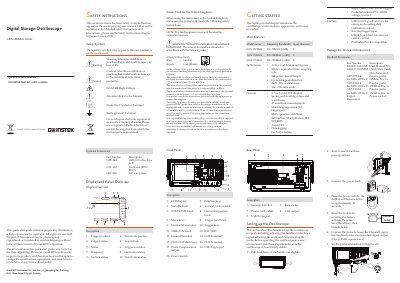
This Quick Start Guide introduces the GW INSTEK GDS-1000A-U Series Digital Storage Oscilloscopes, covering main features, package contents, and front/rear panel descriptions. It details the initial setup procedure, including power connection, system reset, and probe compensation to ensure functional stability.
| Real-time sampling rate | 1 GS/s |
|---|---|
| Equivalent-time sampling rate | 25GS/s |
| Record length | 2M points |
| Vertical scale | 2mV~10V |
| Time scale | 1ns ~ 50s |
| Display | 5.7 inch color TFT |
| Languages | 12 languages |
| Bandwidth (GDS-1072A-U) | DC–70MHz |
| Bandwidth (GDS-1102A-U) | DC–100MHz |
| Bandwidth (GDS-1152A-U) | DC–150MHz |
| Input Impedance | 1MΩ±2% |
| Maximum Input | 300V |
| Power Consumption | 18W |
| Dimensions | 310(W) x 142(H) x 140(D) mm |
The package includes a User Manual CD, this Quick Start Guide, and a passive probe specific to the model (e.g., GTP-070A-4 for GDS-1072A-U).
Press the Save/Recall key, then press the Default Setup key to recall the factory settings.