
The Gustard U16 user manual provides setup, operation, driver installation, DSD playback, specifications, and warranty information for the high‑performance…
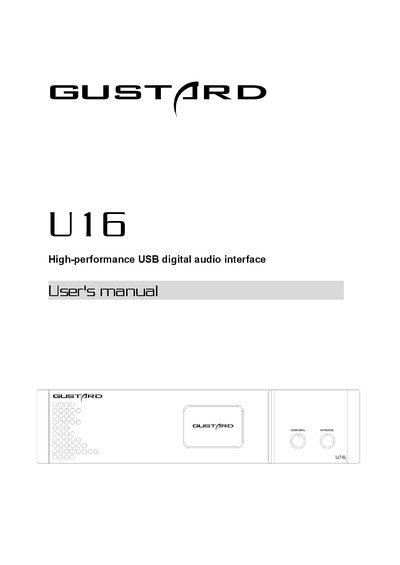
The manual introduces the front and rear panels of the Gustard U16, explains the OLED display functions, and details how to select clock sources and output modes. It also covers Windows driver installation, DSD playback configuration with foobar2000, troubleshooting steps, and the product’s technical specifications.
Additional sections describe the after‑sales policy, warranty terms, and provide a quick reference for connecting the device via USB, BNC, RCA, XLR, optical and HDMI interfaces.
| USB input | USB Type‑B female, supports USB 2.0 |
|---|---|
| 10 M BNC input | Impedance 50 Ω, max amplitude 16 dBm |
| RCA coaxial S/PDIF output | Impedance 75 Ω, level 500 mVpp @75 Ω load |
| XLR AES3 output | Impedance 110 Ω, level 2.1 Vpp @110 Ω load |
| Optical TOSLINK output | 24‑bit 44.1 k‑192 k Hz / DOP64 |
| Multi‑function BNC output | Impedance 75 Ω, S/PDIF level 750 mVpp, Word Clock level 3.3 Vpp |
| Word Clock output level | 3.3 Vpp (no load) |
| Power supply | AC 115 V / 230 V, 50/60 Hz |
| Power consumption | < 15 W |
| Dimensions | 220 mm × 50 mm × 170 mm (W × H × D) |
| Weight | 2.5 kg (including packaging) |
Insert the supplied CD, run the file Gustard_USBAudio_v1A_2018-10-15_setup.exe, follow the prompts, and restart the device if the installer reports an error.
Install the ASIOProxy component (ASIOProxyInstall‑0.7.2.exe) from the provided folder, then add the two foobar2000 components via Preferences → Components, apply, and restart foobar2000.
The product includes a 2‑year free warranty and lifetime maintenance for defects caused by component quality or manufacturing problems, subject to the terms listed in the warranty section.