
Key facts
- Manuals
- 1
- Languages
- EN
- Last added
- 2026-10-04
Featured GUSTARD manuals
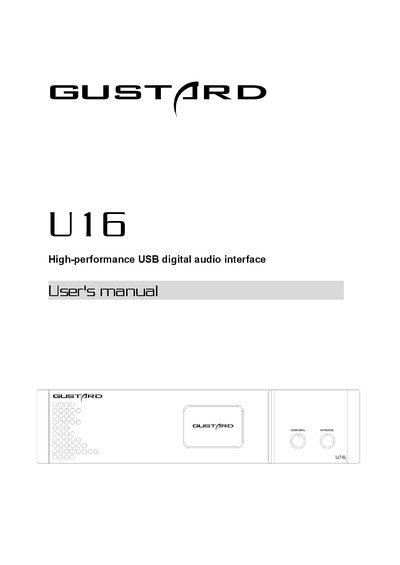
Gustard U16 High-performance USB Digital Audio Interface User Manual
The manual introduces the front and rear panels of the Gustard U16, explains the OLED display functions, and details how to select clock sources and output modes. It also covers Windows driver installation, DSD playback configuration with foobar2000, troubleshooting steps, and the product’s technical specifications.
Additional sections describe the after‑sales policy, warranty terms, and provide a quick reference for connecting the device via USB, BNC, RCA, XLR, optical and HDMI interfaces.
Covers: Front panel introduction · Rear panel introduction · Display and menu operation · Windows driver installation · DSD playback settings using foobar2000 · DSD playback troubleshooting
Latest GUSTARD manuals
Gustard U16 High-performance USB Digital Audio Interface User Manual
User Manual 18 pages · 1.3 MB · ENThe Gustard U16 user manual provides setup, operation, driver installation, DSD playback, specifications, and warranty information for the high‑performance…
Which document do I need?
User Manual
Day-to-day operation, settings and troubleshooting. Start here if the product is already set up.
Questions answered in GUSTARD manuals
How do I install the Windows driver for the Gustard U16?
Insert the supplied CD, run the file Gustard_USBAudio_v1A_2018-10-15_setup.exe, follow the prompts, and restart the device if the installer reports an error.
From: Gustard U16 High-performance USB Digital Audio Interface User Manual
What steps are required to enable DSD playback with foobar2000?
Install the ASIOProxy component (ASIOProxyInstall‑0.7.2.exe) from the provided folder, then add the two foobar2000 components via Preferences → Components, apply, and restart foobar2000.
From: Gustard U16 High-performance USB Digital Audio Interface User Manual