
User manual for the Guangcheng USBCAN-II Pro industrial USB‑CAN converter, covering installation, operation, software, and specifications.
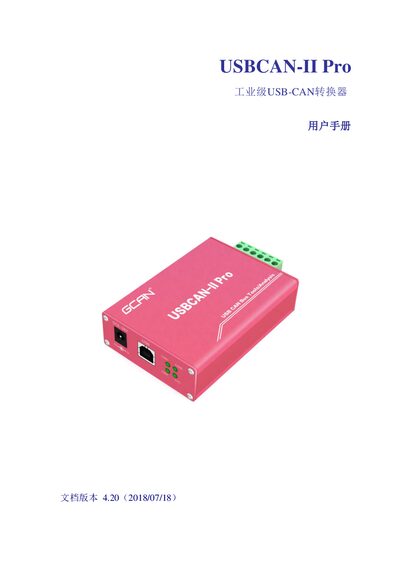
The USBCAN‑II Pro is an industrial‑grade USB‑CAN converter that provides two CAN channels, USB 2.0 full‑speed connectivity, and built‑in electrical isolation. This manual explains the device’s features, typical applications, and hardware details.
It includes step‑by‑step instructions for hardware installation, driver and software setup, usage on Windows and Linux, secondary development options, technical specifications, and a FAQ section for common troubleshooting. This manual is written in Chinese.
| USB interface | USB 2.0 full‑speed (compatible with USB 1.1 and 3.0) |
|---|---|
| Electrical isolation | 3000 V DC isolation |
| Operating temperature | -40 °C to +85 °C |
| Dimensions | 103 mm × 64 mm × 24 mm (including terminals) |
| Weight | 120 g |
| Maximum receive data rate | 14 000 frames per second |
Use the DIP switch next to the 6‑pin connector; set R1 and R2 to the ON position to activate the termination resistors for CAN1 and CAN2.