
User manual for the GT GT300 positioning terminal covering installation, SMS settings, calls, alarms, and GPS location.
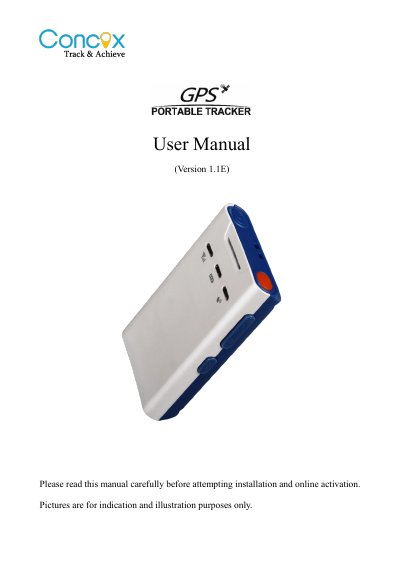
The GT GT300 is a positioning terminal with GPS, GSM, SOS calling, family-number calling, vibration alarm, and geo-fence alarm functions. This manual explains its LEDs, buttons, installation, charging, parameter settings, and operation.
It covers SMS commands for APN, DNS, family and SOS numbers, call reminder and volume settings, arming and disarming, voice monitoring, location requests, and platform-based settings.
| Charging time | 4-6 hours |
|---|---|
| Maximum SOS numbers | 3 |
| Maximum white-list numbers | 15 |
| Maximum geo-fences | 5 |
| Vibration alarm interval | Not less than 5 minutes |
Charging may take 4-6 hours.
Up to three SOS numbers can be set.
Press the Mode button twice in a row, or have an SOS number call and hang up within 10 seconds, or send SMS command 111.
The terminal sends an alarm to SOS numbers within 10 seconds, with GPS or LBS location information.