
User manual for the Grundig CMS 5000 BT DAB+ WEB micro Hi-Fi system, covering setup, internet/DAB+/FM radio, CD, USB, Bluetooth, settings and troubleshooting.
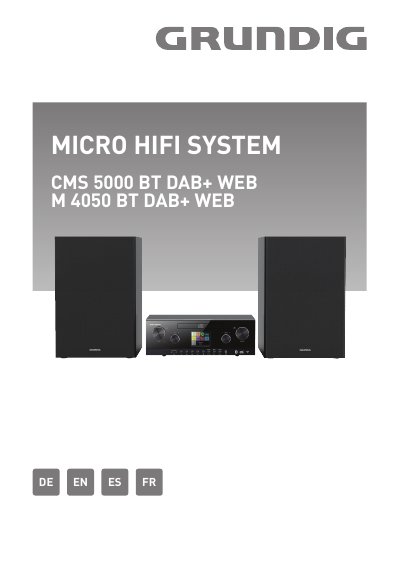
The manual for the Grundig CMS 5000 BT DAB+ WEB micro Hi-Fi system covers disposal, safety, the remote control, getting started, general device functions, general operation, system settings and troubleshooting. It describes connecting to a network, using CDs and USB storage, connecting an audio source through the RCA audio input and connecting headphones. The cover also lists model M 4050 BT DAB+ WEB.
The general operation section covers internet radio and podcasts, Spotify, DAB+ radio, FM radio, CD, USB and Bluetooth, as well as the sleep timer and alarms. System settings include the equalizer, network, time, language, factory reset, software update and setup wizard. This manual is written in German.
| Protection class | Class II (double insulated) |
|---|---|
| WLAN frequency range | 5150–5350 MHz |
| Power connection | Mains via power cable |
Hold the BT PAIR button to make the device discoverable via Bluetooth.
Switch the device off before cleaning and wipe it with a dry, soft cloth. If it is heavily soiled, use a slightly damp cloth and dry it afterward.
Reduce the volume before putting on headphones, then increase it after the headphones are correctly positioned.
Reset the device according to the operating instructions; if it still does not work correctly, use it in another location.