
User manual for the GOLiFE Care 3 Bluetooth smart touch heart rate band, covering charging, app pairing, operation, modes, and specifications.
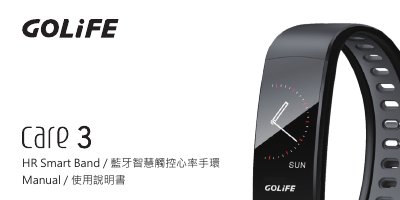
This manual is for the GOLiFE Care 3 HR Smart Band, a Bluetooth smart touch heart rate band. It explains charging, downloading and installing the GOLiFE Care 3 app, pairing the band with a phone, basic operation, main screen functions, daily mode, exercise mode, heart rate measurement, messages, and more functions.
It also includes usage precautions, such as heart rate sensor placement and measurement conditions, and technical details such as charging input, charging time, message storage, and sleep detection. This manual is written in Chinese.
| Charging input | 5V/0.5A, 5V/1A, or 5V/2A charger |
|---|---|
| Charging time | Approximately 2 hours |
| Message storage | Up to 7 messages |
| Sleep detection | Sleep over 30 minutes is recorded |
Charging takes approximately 2 hours.
Open the app, go to Settings -> Pair Band, search for the band, and select the device whose last four MAC digits match the band.
The band can store up to 7 messages and updates older messages when the limit is exceeded.
Go to the heart rate page; measurement starts automatically and the value appears after about 20 seconds.