
Key facts
- Manuals
- 1
- Languages
- ZH
- Last added
- 2026-11-12
Featured GoLife manuals
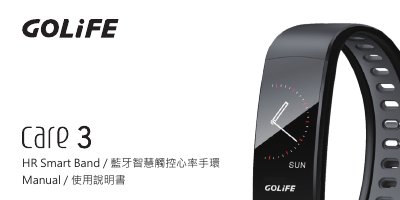
GOLiFE Care 3 Bluetooth Smart Touch Heart Rate Band User Manual
This manual is for the GOLiFE Care 3 HR Smart Band, a Bluetooth smart touch heart rate band. It explains charging, downloading and installing the GOLiFE Care 3 app, pairing the band with a phone, basic operation, main screen functions, daily mode, exercise mode, heart rate measurement, messages, and more functions.
It also includes usage precautions, such as heart rate sensor placement and measurement conditions, and technical details such as charging input, charging time, message storage, and sleep detection. This manual is written in Chinese.
Covers: Quick Start · Download and Install GOLiFE Care 3 App · Pairing GOLiFE Care 3 · Basic Operation · Main Screen Functions · Daily Mode
Latest GoLife manuals
GOLiFE Care 3 Bluetooth Smart Touch Heart Rate Band User Manual
User Manual 27 pages · 6.9 MB · ZHUser manual for the GOLiFE Care 3 Bluetooth smart touch heart rate band, covering charging, app pairing, operation, modes, and specifications.
Which document do I need?
User Manual
Day-to-day operation, settings and troubleshooting. Start here if the product is already set up.
Questions answered in GoLife manuals
How long does charging take?
Charging takes approximately 2 hours.
From: GOLiFE Care 3 Bluetooth Smart Touch Heart Rate Band User Manual
How do I pair the band with my phone?
Open the app, go to Settings -> Pair Band, search for the band, and select the device whose last four MAC digits match the band.
From: GOLiFE Care 3 Bluetooth Smart Touch Heart Rate Band User Manual