
User guide for GoBright DCF1 desk height adjuster with installation, safety, and NFC usage instructions.
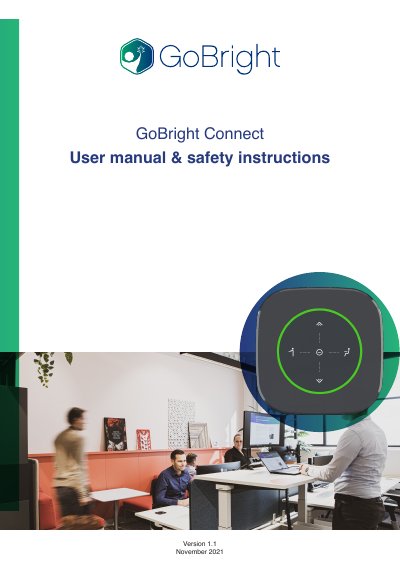
This manual explains how to use and install the GoBright DCF1 desk height adjuster. It covers personal use via NFC or app, height presets, and safety guidelines. Installation requires a 80mm hole, mounting, and connecting to a GoBright Gateway. Safety instructions include operating conditions, power supply requirements, and anti-collision technology for actuator systems. This manual is written in Chinese.
Press the 'up' or 'down' button to adjust height, then press 'Do not disturb' for 3 seconds, then press 'sitting height' or 'standing height' to save. The circle turns green when saved.
Use the up or down button on the display of the Connect to raise or lower the desk height to your personal preference.
After setting the height, press and hold the Do not disturb button for three seconds, then press the sitting height or standing height button; the circle turns green when saved.
A 80mm hole must be available in the desk top.