
Glue Smart Lock and Wi-Fi Hub quick start guide covering app setup, installation, digital key sharing, user types, and light signals.
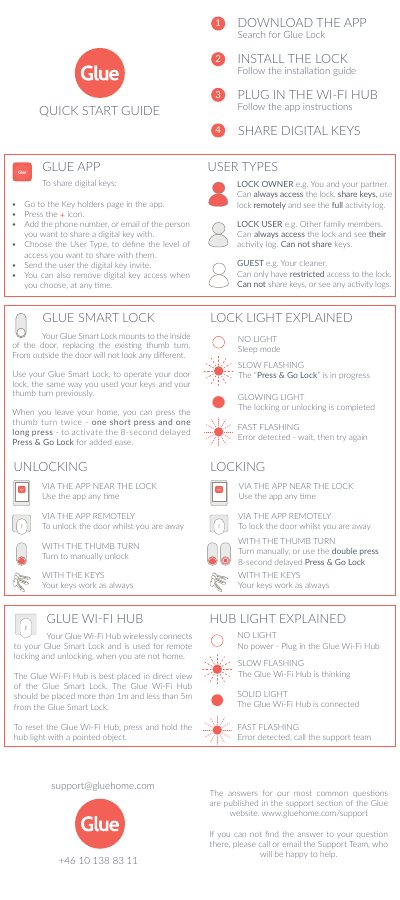
The Glue Smart Lock mounts to the inside of the door, replacing the existing thumb turn, and can be operated with the app, the thumb turn, or keys. The Glue Wi-Fi Hub connects wirelessly to the lock and is used for remote locking and unlocking when you are away.
The quick start guide covers downloading the Glue app, installing the lock, plugging in the Wi-Fi Hub, and sharing digital keys. It also explains user types, lock and hub light signals, and locking or unlocking methods.
| Wireless connection | The Glue Wi-Fi Hub wirelessly connects to the Glue Smart Lock. |
|---|---|
| Hub placement distance | More than 1 m and less than 5 m from the Glue Smart Lock. |
| Hub reset method | Press and hold the hub light with a pointed object. |
| Press & Go Lock delay | 8-second delayed Press & Go Lock. |
Go to the Key holders page in the app, press the + icon, enter the person's phone number or email, choose the User Type, and send the invite.
Place it in direct view of the Glue Smart Lock, more than 1 m and less than 5 m away.
A solid light means the Glue Wi-Fi Hub is connected.
Press and hold the hub light with a pointed object.