
User guide for Glue smart lock and Wi-Fi hub, covering installation, battery use, safety, and compliance.
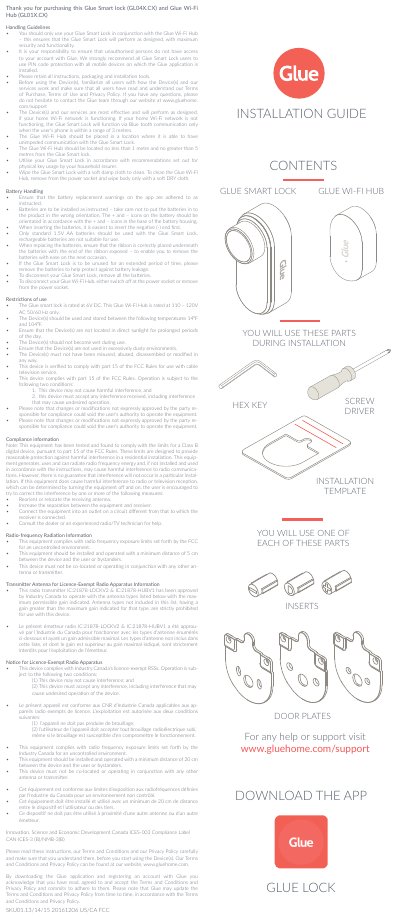
This manual provides installation and usage instructions for the Glue Smart Lock (GL04X.CX) and Glue Wi-Fi Hub (GL01X.CX). It includes guidelines for battery handling, placement, and safety. The devices must be used with the Wi-Fi hub for full functionality. The manual also covers compliance with FCC and Industry Canada regulations, including RF exposure limits and interference conditions.
Users are advised to read the terms of use, privacy policy, and support resources at www.gluehome.com. The devices require a functioning Wi-Fi network for optimal performance, or Bluetooth for short-range use. Cleaning and storage guidelines are included to ensure device longevity and safety. This manual is written in Chinese.
| Battery Type | Standard 1.5V AA batteries |
|---|---|
| Operating Voltage | 6V DC for Smart Lock, 110–120V AC 50/60 Hz for Wi-Fi Hub |
| Operating Temperature Range | 14⁰F to 104⁰F |
No, the Glue Smart Lock must be used with the Glue Wi-Fi Hub to ensure maximum security and functionality.
The Glue Smart Lock will function via Bluetooth only if the user’s phone is within 3 metres.
Wipe the Glue Smart Lock with a soft damp cloth. For the Wi-Fi Hub, remove from the power socket and wipe with a dry cloth.