
User manual for the GloryFit X3 Pro watch covering setup, charging, phone connection, functions, settings, and troubleshooting.
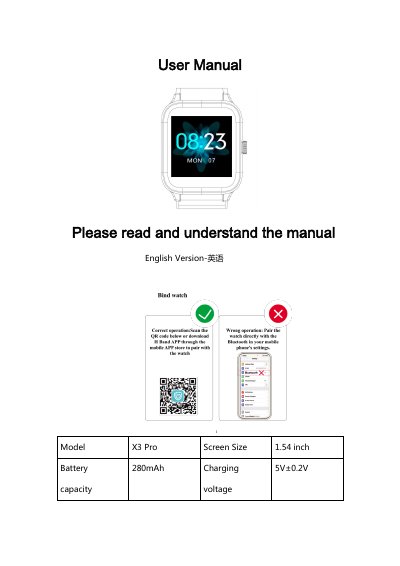
The GloryFit X3 Pro user manual explains basic watch operation, charging, and connection to a mobile phone using the GloryFit app. It covers watch functions such as heart rate measurement, training modes, message reminders, music control, stopwatch, timer, breathing training, and settings.
The manual also lists product specifications, including a 1.54-inch glass screen, 280 mAh battery, 5 ATM water resistance, and Bluetooth 5.0, and provides troubleshooting questions and answers.
| Model | X3 Pro |
|---|---|
| Screen size | 1.54 inch |
| Battery capacity | 280mAh |
| Charging voltage | 5V±0.2V |
| Charging time | 2.5 hours |
| Battery life | 7-10 days |
| Waterproof level | 5ATM |
| Standby time | 30 days |
| Operating temperature | -20℃--45℃ |
| Bluetooth version | BLE5.0 |
| Screen material | Glass |
| Strap width | 22mm |
| Supported phone systems | iOS 9.0 or above and Android 6.0 or above |
The watch connects through the GloryFit app.
GloryFit supports iOS 9.0 or above and Android 6.0 or above.
Charging takes 2.5 hours.
The watch provides 12 exercise modes.