
The Gloryfit EG-C420 smartwatch user manual provides setup, operation, and troubleshooting instructions.
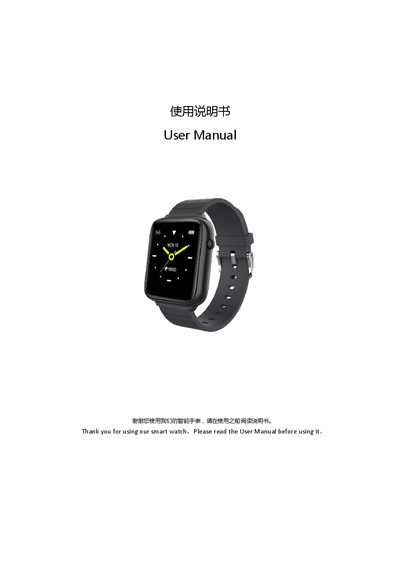
This manual introduces the Gloryfit EG-C420 smartwatch, covering its display, buttons, strap, heart‑rate sensor, and magnetic charging port. It lists the contents of the package and explains how to charge the device for the first use.
Detailed sections guide you through downloading the Gloryfit app, pairing the watch via Bluetooth, basic operations such as power on/off, dial switching, and touch navigation, as well as health and fitness features, notifications, sleep monitoring, and alarm settings. Safety notes, FAQ, specifications, and FCC compliance information are also included.
| CPU | Realtek RTL8762CK |
|---|---|
| Display | 1.54" IPS |
| Resolution | 240 × 240 |
| Battery capacity | 260 mAh |
| Charging voltage | 5 V |
| Charging time | 2‑3 hours |
| Dimensions | 250 × 37 × 11.3 mm |
| Operating temperature | -5 °C to 45 °C |
| Supported OS | iOS 9.0+ or Android 4.4+ |
Use the supplied charging cable and a 5 V / 1 A adapter; if that fails after first use, try a 5 V / 2 A adapter, wait a few minutes for the indicator, and keep the charging port dry.
Make sure Bluetooth and GPS are turned on, the watch is within 0.5 m of the phone, the battery is charged, and the phone runs iOS 9.0+ or Android 4.4+ with Bluetooth 4.0+.