
This manual covers the setup, connection, game modes, and troubleshooting for the GEIO V4.0 AI robot game controller.
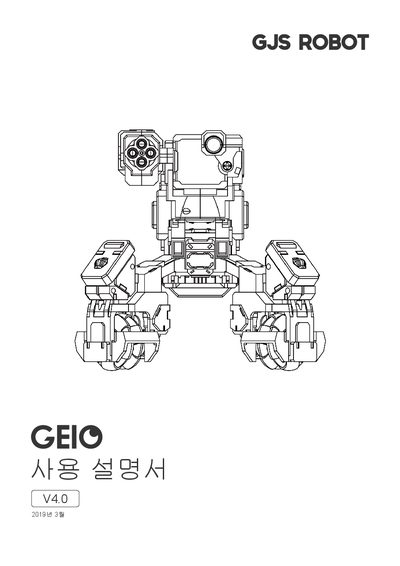
The GEIO V4.0 is an AI-based robot game controller designed for FPS and VR systems. It features two companion apps, GEIO and GEIO EDU, available for iOS and Android, allowing users to control the robot via Wi-Fi or Bluetooth. The device supports various modes, including Pet Mode and Tower Mode, and allows for team selection and difficulty adjustment. This manual is written in Korean.
| Operating System Requirements | Android v5.0 or above, iOS v11.0 or above |
|---|---|
| Recommended Distance for Face Recognition | Approximately 20cm |
| Default Wi-Fi Password | 12345678 |
| Recommended Bluetooth Version | Bluetooth 4.0 or above |
Check if all four wheels rotate correctly when holding the robot, and try turning the robot off and on again before reconnecting via the app.
Press and lift the right control stick to check if the machine gun is firing, or restart both the GEIO and the APP and reconnect.
Aim the robot's legs as the target to make it harder to damage the core.