
Garmin APPROACH® Z82 Owner’s Manual

Owner’s manual for Garmin APPROACH Z82 rangefinder with setup, usage, and maintenance instructions.
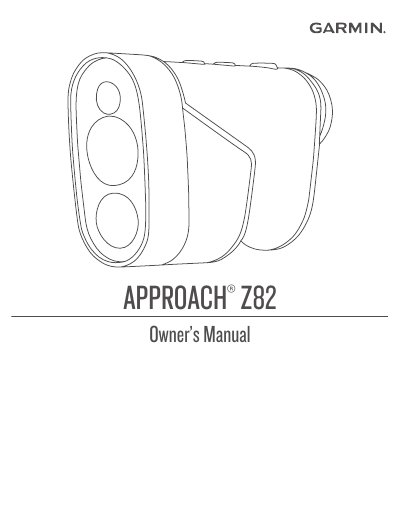

Garmin APPROACH® Z82 Owner’s Manual - cover page
Brand
Garmin
Document type
User Manual
Language
English
Pages
12
File format
PDF
File size
1.8 MB
Published
02 November, 2026
Updated
02 November, 2026
Model
Z82
MD5 checksum
1B8929E08376D095A5E73A381B0CCC05

About this manual

This manual provides step-by-step instructions for setting up, using, and maintaining the Garmin APPROACH Z82 rangefinder. It covers device basics like charging, turning on/off, and adjusting the eyepiece. It also explains Bluetooth connectivity via the Garmin Golf app, measuring distances to the pin, using the PinPointer feature, and customizing settings. Additional sections include troubleshooting, device care, and regulatory information.

What's inside

  • Introduction
  • Device Overview
  • Status LEDs
  • Charging the Device
  • Turning On the Device
  • Standby Mode
  • Adjusting the Eyepiece
  • Bluetooth® Connected Features
  • Pairing Your Smartphone
  • Playing Golf

Frequently asked questions

How do I focus the screen for my eyesight?

Rotate the adjustable eyepiece to focus the screen for your specific eyesight.

What is the maximum range for pairing the smartphone?

You must bring your smartphone within 10 m (33 ft.) of your device to pair it.

What happens if I hold the device steady while measuring the distance to the pin?

The device vibrates, a flag icon appears, and the distance arc turns yellow.

Download PDF (1.8 MB)

More Garmin Manuals


View all Garmin manuals →