
This is the Chinese user manual for the Garmin GPS72 GPS receiver, covering operation, navigation, and technical specifications.
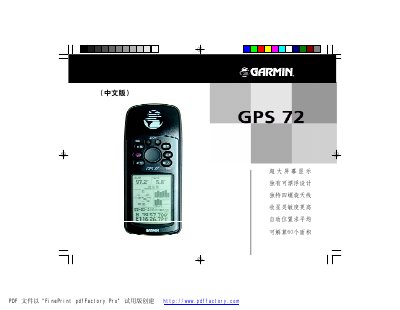
This manual provides instructions for the Garmin GPS72 GPS receiver, a device featuring a large screen, a unique floating design, and a unique four-screw antenna. It is designed to calculate up to 60 areas and offers high sensitivity for receiving satellite signals.
The document covers the introduction to the GPS system, the overview of the GPS72 unit, and basic operations such as turning the device on, adjusting screen brightness, and saving the current position. It also details advanced navigation features including map pages, compass navigation, and route planning. This manual is written in Chinese.
| Area Calculation | 60 areas |
|---|---|
| Waterproof Rating | IPX7 |
Yes, the device can calculate up to 60 areas.
The device has an IPX7 rating, allowing it to be submerged in 1 meter of water for 30 minutes.
It should not be installed on the airbag panel or in areas that could affect the driver or passengers during a collision.