
Owner's manual for the Garmin Venu smartwatch, covering device setup, health tracking, smart features, and activity recording.
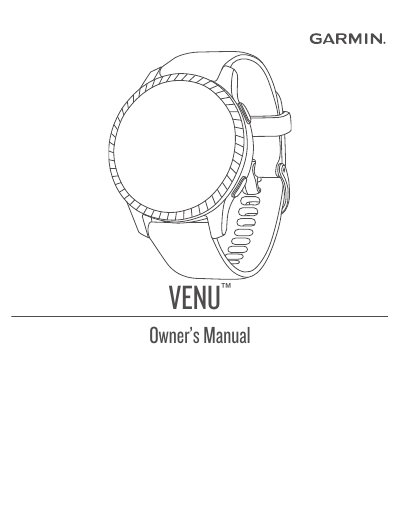
The Garmin Venu is a smartwatch featuring an AMOLED display and a touchscreen interface. It provides a wide range of smart features, including smartphone pairing via the Garmin Connect app, Wi-Fi connectivity, and Garmin Pay for contactless payments.
The device is designed for health and fitness tracking, offering wrist-based heart rate monitoring, pulse oximetry, sleep tracking, and various activity modes for running, cycling, swimming, and golfing.
| Display Type | AMOLED |
|---|---|
| Model Number | A03645 |
The device must be paired directly through the Garmin Connect app rather than the smartphone's Bluetooth settings.
Press the action button to turn on the device.
Pair the watch through the Garmin Connect app instead of from the smartphone's Bluetooth settings.
Double-tap the touchscreen to wake the device.