
This manual provides instructions for setting up, using, and maintaining the Garmin Venu 2 Series smartwatch, including features like music, Garmin Pay, and…
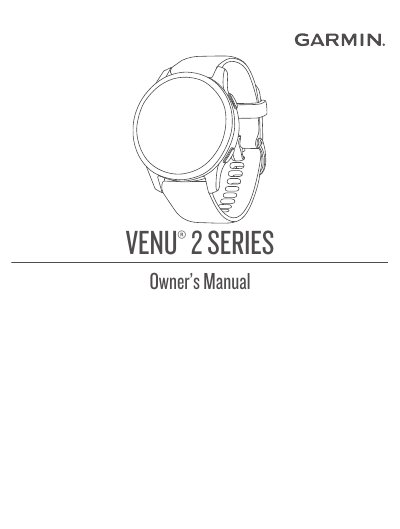
The Garmin Venu 2 Series Owner's Manual is a comprehensive guide for users of the Venu 2 smartwatch. It covers initial setup, including pairing the watch with a smartphone via the Garmin Connect app and configuring Wi-Fi connectivity. The document details how to utilize smart features such as phone notifications, music playback, and Garmin Pay for contactless payments.
The manual also provides extensive instructions on health and fitness tracking capabilities, including heart rate monitoring, sleep tracking, stress level analysis, and specific activity modes like running, swimming, and golfing. Additionally, it includes sections on customizing the watch face, managing battery life, and troubleshooting common issues.
| Display Type | AMOLED |
|---|---|
| Connectivity | Bluetooth, Wi-Fi |
| Payment Feature | Garmin Pay |
You must pair the watch directly through the Garmin Connect app, not from the phone's Bluetooth settings.
Press the action button to turn on the watch.
Hold the action button to view the controls menu, select the lock icon, then hold any button to unlock.