
User manual for the Garmin nüvi 205W navigation device, covering installation, startup, destination search, and navigation features.
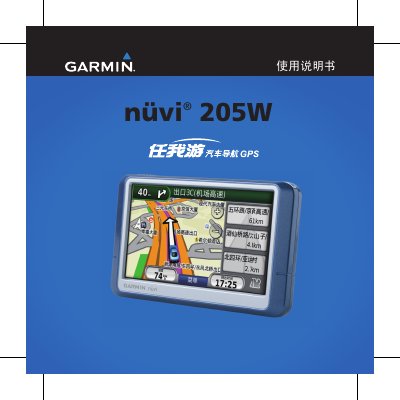
This manual provides brief instructions for operating the Garmin nüvi 205W navigation device. It covers the device's appearance, including the USB port, speaker, SD card slot, and power switch. The guide details how to install the device using the included car power cable and suction cup mount. This manual is written in Chinese.
| Power Interface | USB port |
|---|---|
| Storage | SD card slot |
| Battery | Built-in rechargeable lithium battery |
Insert the car power cable into the USB port, attach the suction cup mount to the windshield, and slide the device into the mount until it clicks.
You can charge it via the car power cable, an AC transformer, or a USB data cable connected to a computer.
Slide the power button to the right side to lock the screen, and slide it back to the center to unlock.