
Garmin Approach S40/S42 User Manual

This manual provides instructions for setting up, using golf features, and managing settings for the Garmin Approach S40/S42 smartwatch.
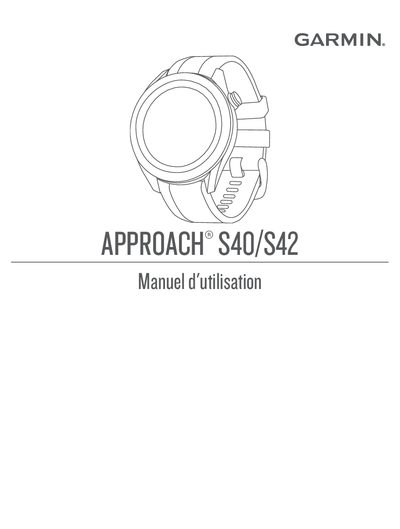

Garmin Approach S40/S42 User Manual - cover page
Brand
Garmin
Category
Smartphones
Document type
User Manual
Language
French
Pages
30
File format
PDF
File size
2.5 MB
Published
15 October, 2026
Updated
15 October, 2026
MD5 checksum
A72B3D93EC17E1C271356837B3DD9382

About this manual

This document is the user manual for the Garmin Approach S40/S42 smartwatch. It covers initial setup, including powering on the device, charging, and pairing with a smartphone via Garmin Express and the Garmin Golf app. The guide details how to acquire satellite signals and start playing a round of golf. This manual is written in French.

What's inside

  • Présentation de l'appareil
  • Mise en route
  • Partie de golf
  • Acquisition des signaux satellites
  • Vue du trou
  • Mode Grands chiffres
  • Menu golf
  • Fonctionnalités connectées
  • Garmin Connect
  • Suivi des activités

Frequently asked questions

How long does the satellite signal search procedure take?

The satellite search procedure can take 30 to 60 seconds.

What is the default hole number if the device is not on a course?

The device defaults to hole 1 if you are not on a course.

Download PDF (2.5 MB)

More Garmin Manuals


View all Garmin manuals →