
Garmin Dash Cam 10/20 owner's manual covering memory card installation, vehicle power connection, video recording, photos, and device settings.
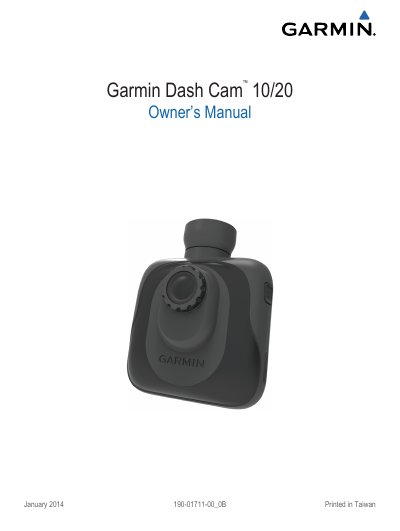
The Garmin Dash Cam 10/20 owner's manual explains how to install a microSD memory card, connect the device to vehicle power, mount it on the windshield, and turn it on or off. It also covers video recording, automatic collision detection and video protection, taking pictures, viewing and deleting files, and connecting the device to a computer.
The manual includes sections on safety camera alerts, device settings, calibrating and adjusting the event detection sensor, exposure, screen brightness, volume, and time zone. It also describes Garmin Express setup, vehicle power cable fuse replacement, device reset, and product specifications.
| Temperature range | -4° to 131°F (-20° to 55°C) |
|---|---|
| Screen | 2.3 in. (5.8 cm) TFT LCD |
| Camera sensor | 3 MP, 0.33 in. CMOS |
| Frame rate | 30 FPS |
| Maximum video resolution | 1080p (1920 × 1080) |
| Video format | AVI (H.264 compression) |
| Memory card | microSD (from 4 to 32 GB). Speed class 10 or greater is recommended. |
| Protected video file length at 1080p | Approximately four minutes |
The device supports microSD and microSDHC memory cards. A microSD card from 4 to 32 GB is recommended, with speed class 10 or greater.
By default, a sensor automatically detects accidental collisions and protects the three video files during, before, and after the detection. You can also manually protect video files at any time.
Videos are stored in the GARMIN\Video folder, and photos are stored in the GARMIN\SnapShot folder on the device.
Hold the power key for 10 seconds to reset the device if it stops functioning.