
Quick start guide for the Funai ZV427FX4 DVD/VCR dubbing unit, covering setup, recording modes, and disc finalization.
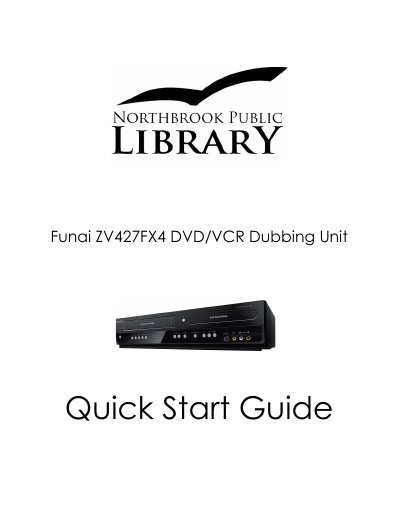
This guide walks you through connecting the Funai ZV427FX4 DVD/VCR dubbing unit to a TV via HDMI or composite, powering the device, and loading DVD‑R/DVD‑RW discs and VHS tapes. It explains how to select the appropriate dubbing mode (VCR → DVD or DVD → VCR) using the remote control and on‑screen menus.
The document also details the steps for recording, pausing, and stopping, as well as the required finalization process for DVD‑R/DVD‑RW discs so they can be played on other DVD players. Unsupported disc formats (DVD+R, DVD+RW) are clearly noted.
| Supported disc types | DVD‑R, DVD‑RW |
|---|---|
| Unsupported disc types | DVD+R, DVD+RW |
| Video connections | HDMI, Composite |
| Power source | Grounded wall socket |
You can use DVD‑R or DVD‑RW discs; DVD+R and DVD+RW discs are not supported.