
This manual provides getting started instructions for the Fujitsu fi-5110C double-sided color scanner, covering safety precautions, installation steps, and…
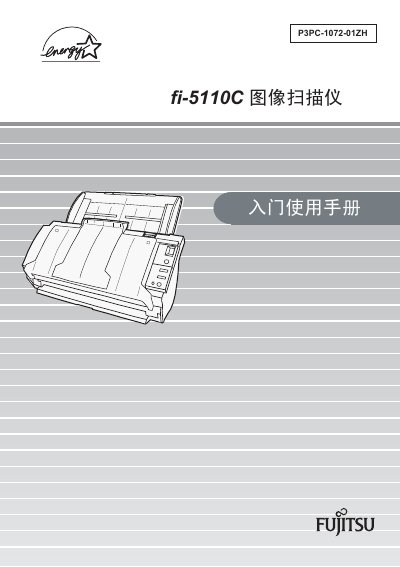
This document is a Getting Started guide for the Fujitsu fi-5110C double-sided color scanner. It outlines essential information required before using the device, including safety warnings regarding high voltage components and mercury in the lamp tube.
The manual covers the initial setup process, such as checking package contents, identifying parts, and installing the software application. It also details physical installation steps, connecting the USB cable, and verifying that the scanner is correctly installed. This manual is written in Chinese.
That information is stored in the operation guide CD included with the product.
The power cable must not exceed a length of 2 meters.
The glass surface becomes hot enough to cause burns if touched while operating.
The highest sound pressure level is 70 dB (A) or less.