
Fujitsu ETERNUS DX100 S4 Disk System data sheet covering hybrid storage specifications, features, and installation details for SMBs and subsidiaries.
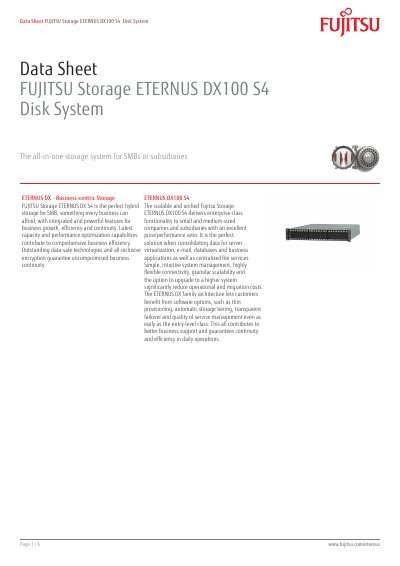
The Fujitsu ETERNUS DX100 S4 is an all-in-one hybrid disk storage system for small and medium-sized businesses and subsidiaries. It provides unified SAN and NAS access for server virtualization, email, databases, business applications, and centralized file services.
The system offers flexible flash and disk media, automated storage tiering, quality of service, replication, storage cluster, and transparent failover. It supports up to 144 disk drives, 2,212 TB maximum storage capacity, and 99.9999% system availability.
| Maximum System Memory | 32 GB |
|---|---|
| Maximum Disk Drives | 144 |
| Maximum Storage Capacity | 2,212 TB |
| System Availability | 99.9999% |
| Supported RAID Levels | 0, 1, 1+0, 5, 5+0, 6 |
| Max. No. of Hosts | 1,024 |
| Max. No. of LUNs | 4,096 |
| Max. LUN Capacity | 128 TB |
| Power Voltage | AC 100 - 120 V / AC 200 - 240 V |
| Warranty Period | 3 years |
The maximum storage capacity is 2,212 TB.
It supports RAID levels 0, 1, 1+0, 5, 5+0, and 6.
The system availability is 99.9999%.
The warranty period is 3 years with onsite warranty type.