
The Fujitsu AP-**** Smart Air Conditioner User Manual provides setup, safety, Wi‑Fi configuration, app pairing, and troubleshooting instructions.
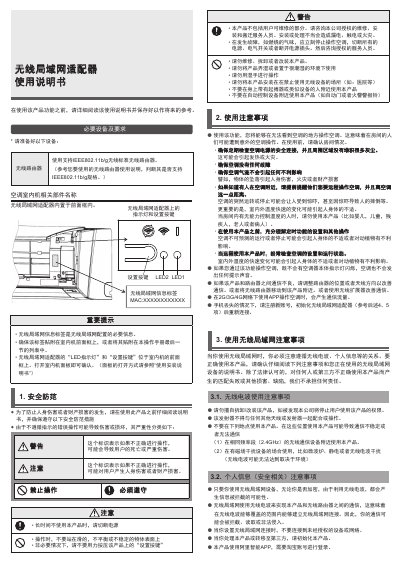
This manual explains how to safely install and operate the Fujitsu Smart Air Conditioner. It covers required equipment, safety warnings, and component identification, including the built‑in wireless LAN adapter and its indicator LEDs.
Detailed instructions are provided for configuring the IEEE802.11b/g Wi‑Fi connection, pairing the unit with the Alibaba Smart app via a QR code, initializing or resetting the device, and troubleshooting common issues such as pairing failures or loss of connectivity. This manual is written in Chinese.
| Wireless LAN Standard | IEEE802.11b/g |
|---|
The built‑in wireless LAN adapter supports IEEE802.11b/g on the 2.4 GHz band.
Press and hold the setup button for at least 10 seconds until the LEDs flash, then follow the initialization steps in the manual.