
User manual for the Franke eTRON M thermostat covering operation, setup parameters, error codes, and sensor resistance values.
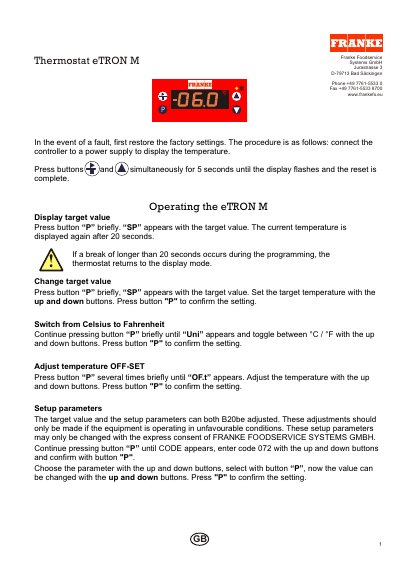
This manual explains operation of the Franke eTRON M thermostat, including restoring factory settings after a fault, displaying and changing the target value, switching between Celsius and Fahrenheit, adjusting the temperature offset, and changing setup parameters with code 072.
It also lists error codes and messages with their solutions and includes a Pt 1000 sensor resistance table for temperatures from -200.0 to 850.0 C.
| Sensor | Pt 1000 |
|---|---|
| Temperature range | -200.0 to 850.0 C |
| Resistance unit | Ohm |
Connect the controller to a power supply to display the temperature, then press buttons xxx and xxx simultaneously for 5 seconds until the display flashes.
Press button P briefly, set the target temperature with the up and down buttons, then press button P to confirm.
Continue pressing button P briefly until Uni appears, toggle between C and F with the up and down buttons, then press button P to confirm.
The thermostat uses a Pt 1000 sensor.