
Forcepoint Advanced Malware Detection AirGap v1.0 Troubleshooting Guide

Forcepoint Advanced Malware Detection AirGap v1.0 Troubleshooting Guide covers script errors, licensing, user accounts, threat intelligence updates, and…
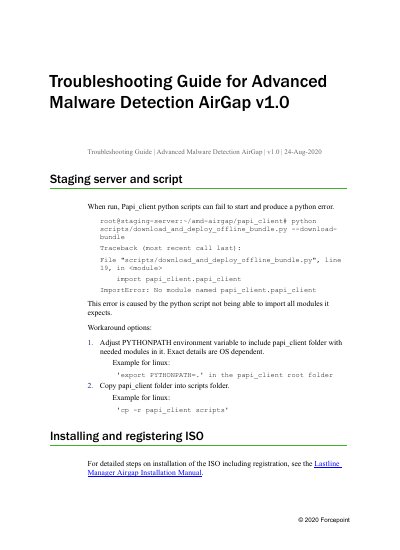

Forcepoint Advanced Malware Detection AirGap v1.0 Troubleshooting Guide - cover page
Brand
Forcepoint
Category
Security Software
Document type
User Manual
Language
English
Pages
4
File format
PDF
File size
121 KB
Published
14 November, 2026
Updated
14 November, 2026
MD5 checksum
21BF87EE4BDAA53B6C9FA352ABE035F5

About this manual

This troubleshooting guide for Forcepoint Advanced Malware Detection AirGap v1.0 provides solutions for script run errors, license registration, user account management, threat intelligence updates, and engine compatibility issues.

It includes workarounds for Python module import errors, instructions for using the main account during registration, guidance on creating additional accounts in the On-Premises Manager portal, and steps to keep Manager and Engine versions in sync during updates.

What's inside

  • Staging server and script
  • Installing and registering ISO
  • Licensing
  • User Accounts
  • Download File Reputation
  • Update Manager ISO
  • How often should user update file reputations
  • Engine compatibility
  • Advanced Malware Detection Engine update

Frequently asked questions

What should you do if the papi_client Python script fails to start?

Adjust the PYTHONPATH environment variable to include the papi_client folder, or copy the papi_client folder into the scripts folder.

Which account should be used when registering if there is more than one license and user account?

Use the main account that was created.

How often should the threat intelligence bundle be updated?

At a minimum, update at least daily, and multiple times a day for highly secure locked down environments.

What must remain in sync when updating the Advanced Malware Detection AirGap Manager?

The versions of Manager and Engine must remain in sync.

Download PDF (121 KB)

More Forcepoint Manuals


View all Forcepoint manuals →