
Quick start guide for the FORA TN'G 550 Bluetooth weight scale, covering profile setup, measurements, app uploads, cleaning, and troubleshooting.
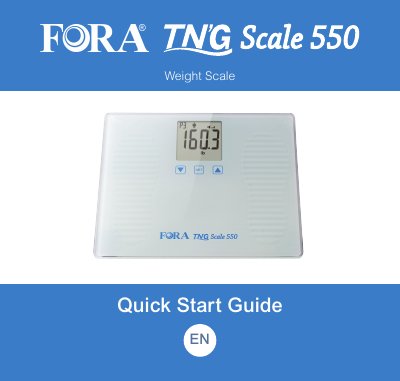
The FORA TN'G 550 is a Bluetooth-enabled weight scale. This quick start guide covers setting up a personal profile, taking a measurement, uploading results through FORA apps or the Gateway, cleaning the scale, and troubleshooting.
The guide explains profile settings for P1 to P5, including gender, units, height, age, language, and volume. It also lists measurement precautions, HI and Lo error messages, and contact information for FORA customer service.
| Maximum weight limit | 550 lbs |
|---|---|
| Battery | Four 1.5V AAA alkaline batteries |
| Height setting range | 3’ 3.5” to 7’ 2.5” / 100 cm to 220 cm |
| Age setting range | 6 to 99 |
| Personal profiles | P1 to P5 |
| Bluetooth | Bluetooth-enabled; compatible with FORA Apps and Gateway |
The maximum weight limit is 550 lbs.
Place it on a hard, flat surface, because soft or uneven flooring can cause an inaccurate weight reading.
The scale has Bluetooth and is compatible with FORA Apps and the Gateway; use the iFORA Smart or iFORA MP app or refer to the Gateway guide.
Replace them when the low battery icon appears.