
Key facts
- Manuals
- 2
- Languages
- ZH
- Last added
- 2011-09-19
Featured FOR-A manuals
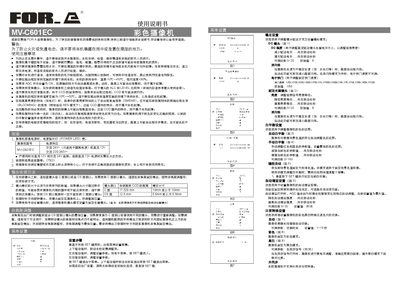
FOR‑A MV‑C601EC Color Camcorder User Manual
The guide begins with safety warnings and handling instructions, emphasizing the need for qualified technicians for installation, repair, and cleaning, and outlining environmental limits such as temperature -10 °C to +50 °C and humidity below 90 %.
It then details connection methods, lens installation for C and CS interfaces, menu settings for exposure, white balance, gain, day/night conversion, image adjustments, privacy masking, and other functions, followed by a full list of technical specifications for the camcorder. This manual is written in Chinese.
Covers: Safety Warnings · Connection and Power · Lens Installation · Menu Settings · Exposure Settings · White Balance Settings
Latest FOR-A manuals
FOR‑A MV‑C601EC Color Camcorder User Manual
User Manual 2 pages · 782 KB · ZHThe manual provides safety warnings, installation steps, lens mounting, menu operation, and technical specifications for the FOR‑A MV‑C601EC color camcorder.
FOR-A MV-C480E(A)-I/MV-C480E(B)-1 color camcorder Manual
Which document do I need?
User Manual
Day-to-day operation, settings and troubleshooting. Start here if the product is already set up.
Questions answered in FOR-A manuals
What are the recommended operating temperature and humidity conditions?
The camcorder can be used from –10 °C to +50 °C with relative humidity below 90 %.
How can I reduce flickering when filming under unstable lighting?
Enable the “消闪烁” (flicker reduction) function in the menu to minimise screen flicker.