
Key facts
- Manuals
- 1
- Languages
- EN
- Last added
- 2026-09-28
Featured EseeCloud manuals
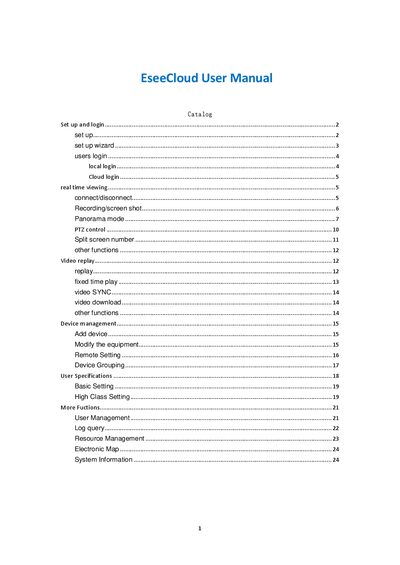
EseeCloud User Manual
This manual walks you through the initial installation of the EseeCloud CMS, including language selection, installation path, and the setup wizard. It also covers both local and cloud login procedures, default credentials, and password recovery.
Subsequent sections describe real‑time video viewing, recording, screen capture, panorama and PTZ functions, split‑screen layouts, and device management tasks such as adding devices, grouping, and user permissions.
Covers: Set up and login · Local login · Cloud login · Real time viewing · Recording and screen shot · Panorama mode
Latest EseeCloud manuals
EseeCloud User Manual
User Manual 25 pages · 1.7 MB · ENThe EseeCloud User Manual explains how to set up, log in, view live video, record, use PTZ control, and manage devices.
Which document do I need?
User Manual
Day-to-day operation, settings and troubleshooting. Start here if the product is already set up.
Questions answered in EseeCloud manuals
How do I log in locally?
Use the default username "admin" with an empty password.
From: EseeCloud User Manual
How do I start a recording?
Click the record button in the toolbar to begin recording; click again to stop.
From: EseeCloud User Manual