
Technical reference guide for Epson TM-T88V printer covering setup, advanced usage, application development, handling, and replacement.
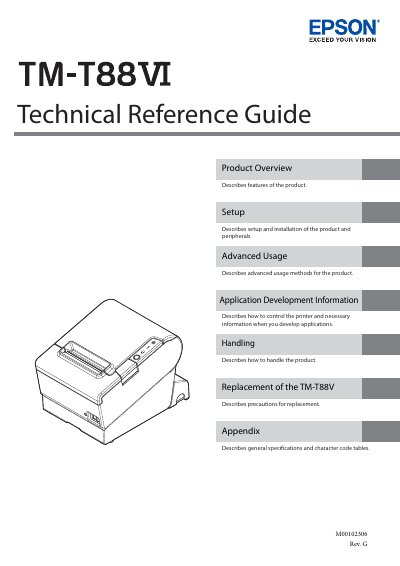
This document is a technical reference guide for the Epson TM-T88V printer, intended for developers and engineers. It covers product features, setup and installation, advanced usage, application development, handling, and replacement procedures. It also includes safety warnings, interface connections, and software settings. The guide is designed to assist in designing and implementing POS systems and printer applications.
The manual provides detailed instructions for connecting the printer to various interfaces (USB, Ethernet, Wireless LAN, Bluetooth, Serial, Parallel), setting up cash drawers and buzzers, adjusting paper roll sensors, and configuring DIP switches. It also explains how to control the printer using ESC/POS commands and ePOS-Print XML, and how to manage software settings and modes such as self-test, NV graphics, and receipt enhancement.
Use DIP switches 2-3 and 2-4 to select the print density.
Unplug the product to ensure safety.
Set it up on a firm, stable, horizontal surface.
Immediately unplug the AC cable and contact your dealer or a Seiko Epson service center for advice.