
This manual provides operating instructions, safety information, and specifications for the Epson TM-L90 thermal printer.
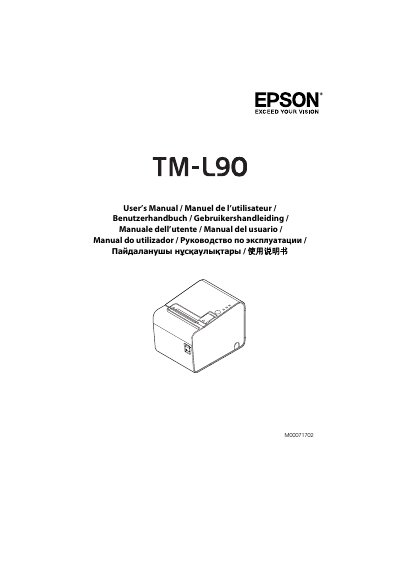
The Epson TM-L90 is a thermal line printing device available in various interface configurations including Serial/USB, Parallel/USB, Ethernet/USB. It supports paper widths of 40 mm, 58 mm, and 80 mm with a dot density of 203 dpi × 203 dpi.
| Print method | Thermal line printing |
|---|---|
| Dot density | 203 dpi × 203 dpi |
| Print width options | 72 mm, 57.6 mm, 52.5 mm, or 50.0 mm |
| Power supply (DC) | DC+24 V ± 7% |
| Operating temperature | 5 to 45°C (for Thermal paper) |
Yes, you can install the printer horizontally or vertically with the paper exit at the front.
The product requires a power source with a rated output of at least 24 V/2.0 - 10.0 A.
The printer must operate between 5 and 35°C when using NCR Lane coated paper.
The printer accepts roll paper with a maximum width of Ф102 mm.