
User manual for the Epson TM-L90 thermal receipt printer covering installation, paper handling, controls, troubleshooting, and maintenance.
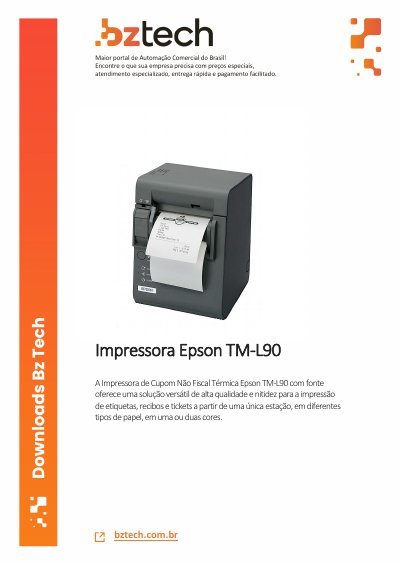
Epson TM-L90 User's Manual provides instructions for installing and operating the thermal receipt printer, including horizontal or vertical placement, paper roll installation, and control panel use.
It also covers troubleshooting, print head cleaning, DIP switch settings, and using paper rolls from 38 mm to 80 mm wide.
| Paper width without adjustment | 80 mm |
|---|---|
| Paper width with spacer | 38 mm to 70 mm |
| Spacer tab removal | Break two tabs for 61-70 mm rolls |
| Paper roll core inside diameter | At least 25.4 mm |
| Paper roll core outside diameter | At least 31.4 mm |
| Transmission speed options | 2400, 4800, 9600, 19200 bps |
| Power switch off hold time | More than 3 seconds |
| Thermal head cleaning interval | Generally every three months |
Press and hold the power switch for more than 3 seconds.
Turn off the power, open the paper roll cover, remove the jammed paper, then follow the paper roll installation steps.
EPSON recommends cleaning the thermal head periodically, generally every three months.
It accommodates 80 mm rolls with no adjustments and 38-70 mm rolls with the included spacer.