
The Epson TM-H6000IV User's Manual provides basic operation instructions for safe and correct use of the TM-H6000IV printer.
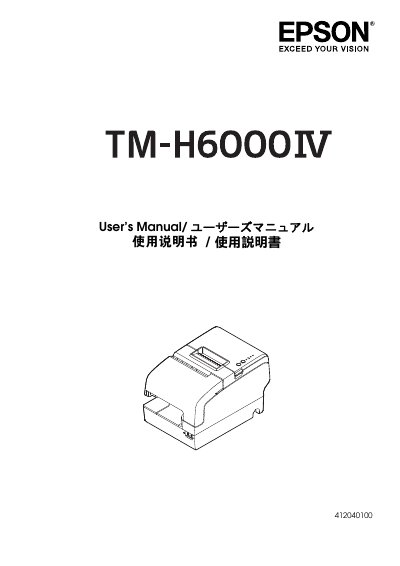
This Epson TM-H6000IV User's Manual covers the TM-H6000IV series printers, including standard and validation models, with optional MICR reader and endorsement printer support. It describes targeted models and features, part names, safety information, and usage notes.
The manual also explains setup steps such as unpacking, connecting cables, installing the connector cover, ribbon cartridge, and roll paper, plus test printing. Drivers, utilities, and manuals can be downloaded from Epson websites.
| EMC class | Class A |
|---|---|
| Included ribbon cartridge | ERC-32 |
| Optional ribbon cartridge | ERC-43 |
| MICR reader option | Factory installed |
| Endorsement printer option | Factory installed |
Yes, when the printer is equipped with a factory-installed MICR reader option.
The ERC-32 ribbon cartridge is included.
They can be downloaded from the Epson websites listed for North America and other countries.
Shut down the equipment immediately, unplug it, and contact your dealer or a Seiko Epson service center.