
French setup instructions for the Epson ST-C4100 printer, covering unboxing, initial ink loading, and configuration via the Epson Smart Panel app.
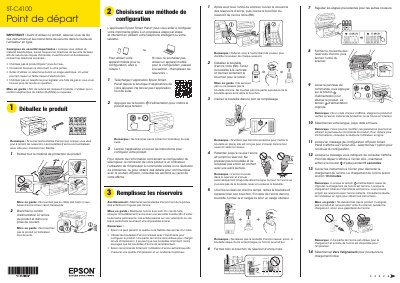
This document provides step-by-step instructions for setting up the Epson ST-C4100 printer. It covers the initial unboxing process, including removing protective materials and connecting the power cord. A significant portion of the guide is dedicated to the initial ink loading procedure, detailing how to remove caps, insert ink bottles, and wait for the tanks to fill automatically. This manual is written in French.
The ink loading process takes approximately 10 minutes.
Epson recommends using the included ink bottles to configure the product and does not guarantee the quality of third-party inks.
If an error code is displayed, turn off the product and check that no protective material is inside.