
This Epson user manual provides assembly, ink loading, paper loading, printhead calibration, software installation, and safety instructions for the…
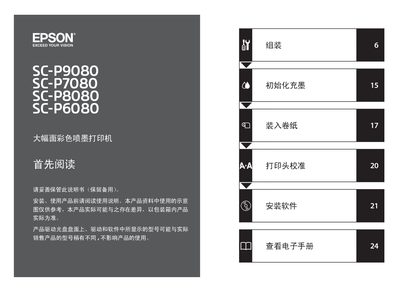
The manual guides users through the complete setup of Epson's large‑format color inkjet printers, covering unboxing, stand assembly, placement, and safety precautions. It also details routine operations such as initializing ink, loading paper rolls, calibrating the printhead, and installing driver software.
Key sections include safety guidelines, step‑by‑step assembly instructions, environmental requirements, and troubleshooting tips. The document also lists hazardous substance information for compliance and provides contact information for Epson service support. This manual is written in Chinese.
| Width (mm) – SC-P9080/SC-P8080 | 1864 mm |
|---|---|
| Depth (mm) – SC-P9080/SC-P8080 | 1318 mm |
| Height (mm) – All models | 1218 mm |
At least four people are needed to safely move the printer.
No. The printer is only designed for safe use below 2000 m altitude; using it above that may pose safety hazards.
Disconnect the printer from power and contact an Epson authorized service center.