
This manual provides instructions for installing ink cartridges, loading paper, setting up the printer, and connecting to a network.
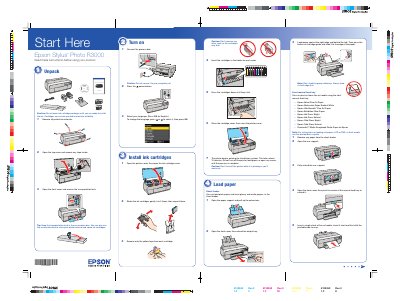
The Epson Stylus Photo R3000 is a printer designed for high-quality photo printing. This guide covers essential setup procedures including unpacking the unit, removing transportation locks, and installing vacuum-packed ink cartridges. It details the initial priming process required after installation to ensure proper ink delivery.
The printer begins priming the ink delivery system, which takes about 10 minutes.
No, the printer only supports the 802.11n standard for optimal speed.
It supports fine art media such as Epson Velvet Fine Art Paper and PremierArt Matte Scrapbook Photo Paper.