
This manual provides instructions for unpacking, installing software, and connecting the EPSON Perfection 4870 Photo scanner to Windows or Macintosh computers.
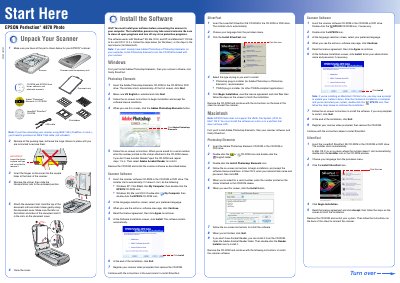
This document serves as a user guide for the EPSON Perfection 4870 Photo scanner. It details the initial setup process, including verifying that all parts are present and correctly assembling the scanner hardware by attaching the document mat and cover. The guide emphasizes the requirement to install software before connecting the device to a computer.
The software works with Windows 98, Me, 2000, and XP, and Macintosh OS 8.6 to 9.x and OS X 10.2.x.
No, if you plan to connect using IEEE 1394 (FireWire or iLink), you must purchase the cable separately.