
Epson Multifunction Printer Advanced User Guide

This manual provides advanced usage instructions for Epson multifunction printers, covering scanning, printing, driver settings, and maintenance.
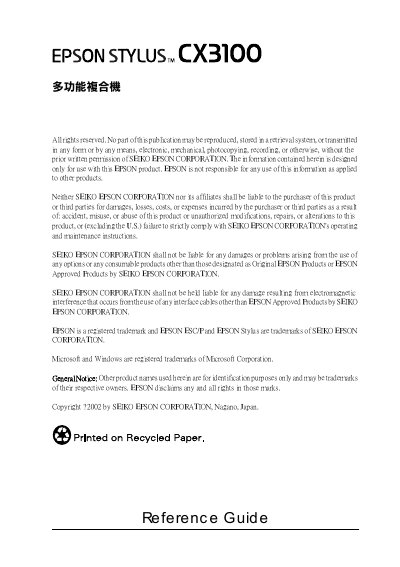

Epson Multifunction Printer Advanced User Guide - cover page
Brand
Epson
Category
Printer
Document type
User Manual
Language
Chinese
Pages
396
File format
PDF
File size
4.8 MB
Published
16 October, 2026
Updated
16 October, 2026
MD5 checksum
BFCEB67196281803AD10DF65651C4FD8

About this manual

This document serves as an advanced online reference guide for Epson multifunction printers. It details the use of the scanner, basic scanning steps, and configuration of the EPSON TWAIN software for image scanning tasks. The guide is designed for users seeking in-depth knowledge on operating the device and its associated software tools. This manual is written in Chinese.

What's inside

  • Scanning Basics
  • TWAIN Software Setup
  • Transparency Unit Usage
  • Manual Mode Settings
  • Image Quality Optimization
  • Printer Driver Configuration
  • Paper Handling
  • Network Setup
  • Maintenance Procedures
  • Troubleshooting

Frequently asked questions

What is the maximum recommended length for the USB cable connecting this printer?

The recommended USB cable length is 2 meters.

What is the data transfer rate of the USB interface card built into this machine?

The USB interface card operates at a transfer rate of 12 Mbps.

What USB specification revisions does the built-in interface card support?

The machine supports Universal Serial Bus Specifications Revision 1.1 and Universal Serial Bus Device Class Definition for Printing Devices Version 1.1.

Download PDF (4.8 MB)

More Epson Manuals


View all Epson manuals →