
User manual for the Epson LW-1000P label printer, covering installation, operation, settings, cleaning, maintenance, and safety precautions.
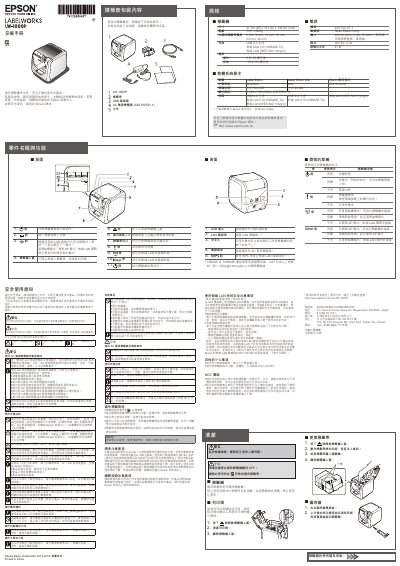
This document is the user manual for the Epson LW-1000P label printer. It provides instructions on installing the printer, using the power and feed buttons, and configuring the wireless LAN modes (Infrastructure, Simple AP, and Off). The guide also details the functions of the indicator lights and the included accessories. This manual is written in Chinese.
Before use, you must confirm that the front and back labels, USB cable, AC power transformer (AST1527Z1-1), and documentation are included in the package.
To meet radio frequency radiation standards, the product antenna must be kept at least 22 centimeters away from people.
You must use a shielded twisted pair, CAT.5 or higher specification straight-through Ethernet transmission line.