
This is the user manual for the Epson FEK200U/EK200U multimedia projector, covering features, installation, operation, and maintenance instructions.
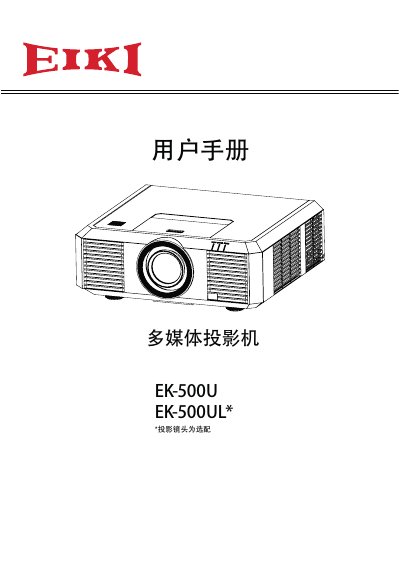
This manual provides comprehensive instructions for the Epson FEK200U/EK200U multimedia projector, which features a 16.77 million color LCD display and supports resolutions up to WUXGA. Key design features include built-in 10W speakers, digital focus control, and a multi-scan system compatible with various computer output signals. The device also offers network management via LAN and supports 19 different languages for the menu system. This manual is written in Chinese.
| Display Technology | LCD |
|---|---|
| Color Resolution | 16.77 million colors |
| Maximum Resolution | WUXGA |
| Built-in Speaker | 10W |
| Supported Languages | 19 languages |
Yes, the projector features a key lock function for the top control panel and remote, as well as a password lock function to prevent unauthorized operation.
Read the manual again to check operation methods and connections, try solutions in the 'Troubleshooting' section, and if the problem persists, contact the dealer or service center.