
Installation guide for Epson ES-50 and ES-60W scanners covering USB connection, software installation, charging, and scanning.
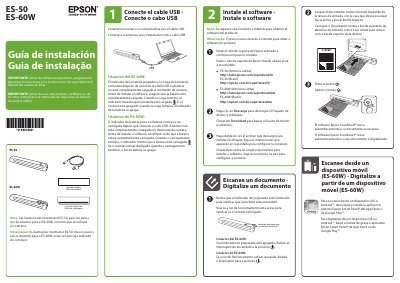
This installation guide explains how to connect an Epson ES-50 or ES-60W scanner to a computer with a USB cable, install the software, and scan a document.
For the ES-60W, it also describes battery charging before software installation and scanning from an iOS or Android device with the Epson Smart Panel app. It notes that an internet connection is required to obtain the product software and refers to safety instructions in the online user manual. This manual is written in Spanish.
Yes. An internet connection is required to obtain the product software.
Visit the Epson support site for your model and click Download to download the Driver and Utilities Package.
Load the document against the left edge of the input slot, then press the button.
No. The battery is not fully charged at purchase, so charge it before installing the software.