
Epson ES-400 II and ES-500W II Scanner User Manual

French user manual for setting up, installing software, and scanning documents with the Epson ES-400 II and ES-500W II scanners.
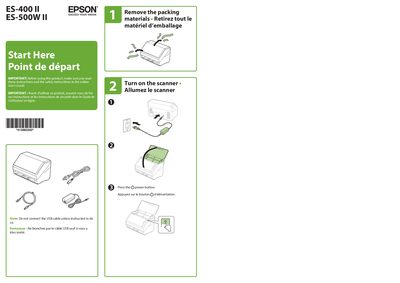

Epson ES-400 II and ES-500W II Scanner User Manual - cover page
Brand
Epson
Category
Scanner
Document type
User Manual
Language
French
Pages
4
File format
PDF
File size
838 KB
Published
16 October, 2026
Updated
16 October, 2026
MD5 checksum
A7A61DCDE7A523B85406C7FE8B76D000

About this manual

This document provides instructions for setting up and using the Epson ES-400 II and ES-500W II scanners. It covers essential steps such as removing packing materials, installing software from the Epson support site, turning on the device, and loading documents correctly to scan them automatically with Epson ScanSmart. This manual is written in French.

What's inside

  • Start Here
  • Remove the packing materials
  • Install software
  • Turn on the scanner
  • Load the document
  • Scan a document
  • Scan from an iOS or Android device
  • Scan from a computer
  • Troubleshooting Wi-Fi Setup
  • Help

Frequently asked questions

What is required to obtain the product software?

An internet connection is required.

Which network band does the scanner support for connections?

The scanner can only connect to a network that supports 2.4 GHz connections.

How do I scan from an iOS or Android device?

Download and install the free Epson Smart Panel app from the App Store or Google Play.

Download PDF (838 KB)

More Epson Manuals


View all Epson manuals →