
User manual for Epson EPL-6200 and EPL-6200L laser printers, covering safety, installation, operation, maintenance, and troubleshooting.
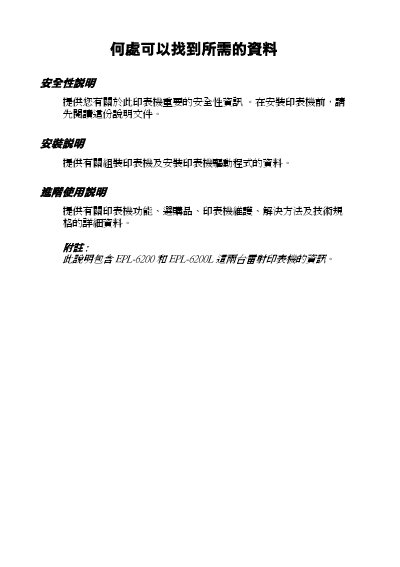
This manual provides information about the Epson EPL-6200 and EPL-6200L laser printers, including safety instructions, installation instructions, and advanced usage instructions.
It also describes printer parts and control panel indicators and buttons, optional accessories and consumables, and includes a glossary. The printers have 8 MB of built-in memory, expandable to 136 MB. This manual is written in Chinese.
| Built-in memory | 8 MB |
|---|---|
| Maximum memory | 136 MB |
| Control panel indicators (EPL-6200) | 6 |
| Control panel indicators (EPL-6200L) | 2 |
The manual covers the EPL-6200 and EPL-6200L laser printers.
It has 8 MB of built-in memory and can be expanded to 136 MB.
It usually indicates a paper jam.
Press the cancel key once to delete one print job; press it for more than two seconds to delete all buffered data, print jobs, received data, and the job currently printing.