
Installation guide for the Epson C12C891131 PostScript 3 Expansion Unit with safety and assembly instructions.
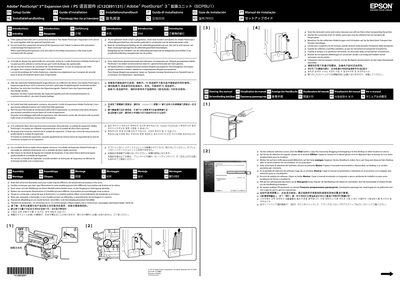
This guide provides step‑by‑step instructions for installing the Epson C12C891131 PostScript 3 Expansion Unit, including safety precautions and handling of components. It also explains the required removal of an optional hard‑disk unit before assembly.
Additional sections cover regulatory compliance (FCC, CE, etc.), environmental information, and legal notices for users in various regions. The document is multilingual but the core instructions are presented in English.
| Model number | C12C891131 |
|---|
No, the Adobe PostScript 3 Expansion Unit cannot be used together with the optional hard‑disk unit.
Store the removed covers and screws because they will be needed when transporting the printer.