
The Episode EA-AMP-SUB-1D-500R installation manual covers safety, controls, menu settings, connections, and setup for the subwoofer amplifier.
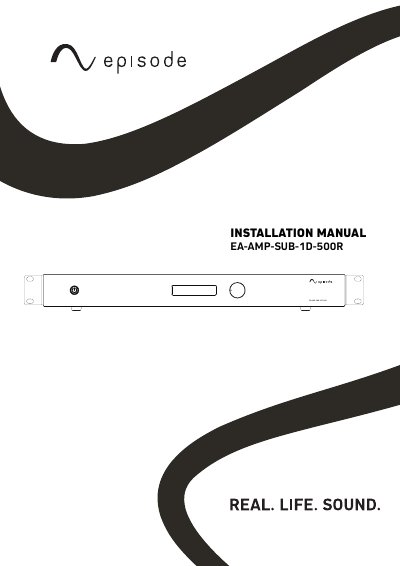
The Episode EA-AMP-SUB-1D-500R is a 500W subwoofer amplifier. The manual begins with safety instructions and identifies controls and connections including RCA line inputs and outputs, 12V trigger in/out, an IR port, speaker outputs, voltage selector, fuse, and master power switch.
The menu section describes volume, crossover, speaker EQ, phase, sound mode, night mode, power control, IR device ID, lock controls, and factory reset. Setup covers amplifier positioning and installation, followed by connection instructions for RCA line level, speaker outputs, 12V DC trigger, and IR connections.
| Power output | 500 W |
|---|---|
| Input voltage | 100–120 V AC / 220–240 V AC |
| AC line frequency | 60 Hz / 50 Hz |
| Fuse | T8AL/250V |
| Crossover range | 40 Hz–250 Hz or LFE |
| Phase adjustment | 0–315° in 45° steps |
| Recommended speaker wire | 14 or 16 gauge stranded two-conductor |
| Night mode maximum power | 250 W |
The amplifier is rated at 500W.
The default crossover setting is LFE.
When two subwoofers are connected in parallel, the nominal impedance of each subwoofer should not be less than 8Ω.
Press and hold the knob for 10 seconds to unlock the controls.