
The EPEVER RTU 4G A user manual provides safety instructions, installation steps, configuration guidance, and troubleshooting for the 4G wireless data…
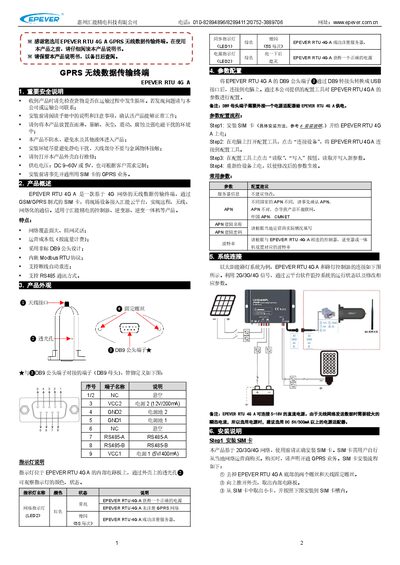
This manual introduces the EPEVER RTU 4G A, a 4G‑based wireless data transmission terminal that connects field devices to the EPEVER cloud platform via GSM/GPRS SIM cards. It outlines safety precautions, product features, and the overall system architecture.
Detailed sections cover hardware appearance, DB9‑to‑USB conversion, parameter configuration using the supplied software, installation of the SIM card and antenna, networking modes (one‑to‑one and one‑to‑many), technical specifications, and troubleshooting procedures. This manual is written in Chinese.
| Network type | GPRS class12 |
|---|---|
| Encoding | CS1 – CS4 |
| Frequency bands | GSM 900/1800 MHz, CDMA BC0, WCDMA B1/B8, TD‑SCDMA B34/B39, LTE TDD B38/B39/B40/B41, LTE FDD B1/B3/B5/B8 |
| Network transfer rate | 150 M |
| Serial baud rate | 9600~115200 bps |
| Power supply | DC 9~60 V or 5 V |
| Power consumption | Communication <200 mA/5 V; Idle <40 mA/5 V |
| Operating temperature | -40 °C to 85 °C |
| Humidity range | 0~95 % (non‑condensing) |
Check that the device is receiving power and verify the polarity of the power connections; the unit has reverse‑polarity protection but will not operate until the correct polarity is restored.
Remove the two bottom screws and the antenna screw, open the case, insert the SIM card into the slot as shown, then re‑assemble the case.
Use a DC power source of 5 V/500 mA or higher; the device can accept 5–60 V DC but a stable 5 V/500 mA supply is recommended for reliable operation.